Building Modular Laravel Applications with Lara Dashboard
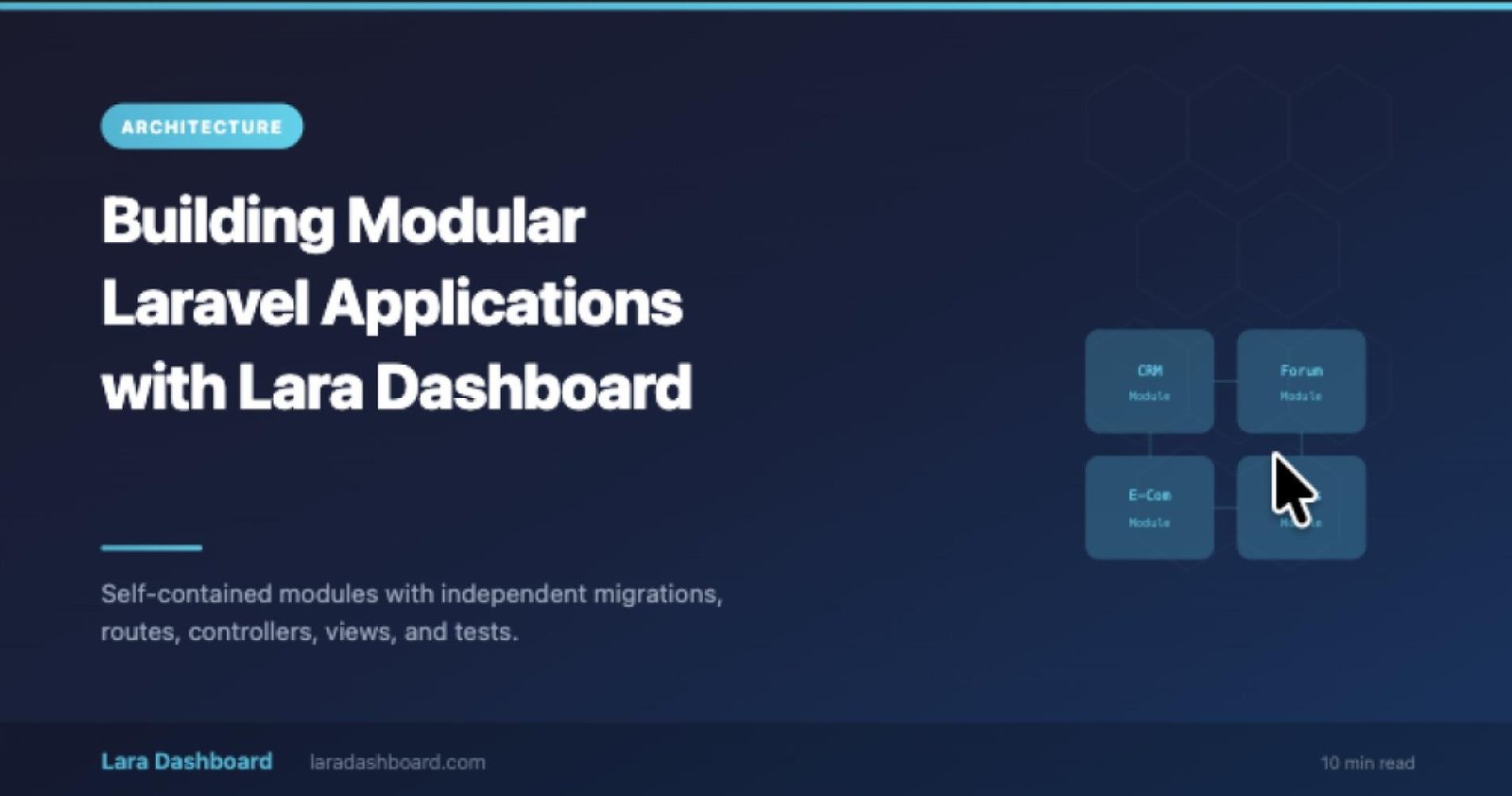
As Laravel applications grow, a single `app/` directory can become unwieldy. Controllers multiply, service classes pile up, and the boundary between features blurs. Lara Dashboard solves this with a first-class module system that keeps every feature isolated, testable, and deployable on its own terms.
Why Modular Architecture Matters
Monolithic Laravel applications work well at small scale. But once you have a CRM, a forum, an e-commerce catalog, and a custom form builder all living in the same `app/Http/Controllers` directory, things get complicated fast.
A modular architecture gives you:
- Isolation: Each module has its own migrations, routes, controllers, models, views, and tests. A change to the CRM cannot accidentally break the forum.
- Reusability: Build a module once, use it across multiple projects. Package it up and share it through the marketplace.
- Team scalability: Different developers or teams can own different modules without stepping on each other's code.
- Selective deployment: Enable only the modules a specific project needs. Disable everything else with a single toggle.
- Reusability: Build a module once, use it across multiple projects. Package it up and share it through the marketplace.
- Team scalability: Different developers or teams can own different modules without stepping on each other's code.
- Selective deployment: Enable only the modules a specific project needs. Disable everything else with a single toggle.
How Modules Work in LaraDashboard
Lara Dashboard's module system is powered by nwidart/laravel-modules, one of the most mature and widely adopted module packages in the Laravel ecosystem. Each module follows a familiar Laravel directory structure:
modules/
  Crm/
    app/
      Http/
        Controllers/
        Requests/
      Models/
      Services/
      Livewire/
    config/
    database/
      migrations/
      factories/
      seeders/
    resources/
      views/
    routes/
      web.php
      api.php
    tests/
    module.json
If you know how to build a Laravel application, you already know how to build a Lara Dashboard module. The directory structure mirrors the standard framework layout, so there is no new convention to memorize.
Anatomy of a Real Module: The CRM
The CRM module is the reference implementation that demonstrates every pattern Lara Dashboard recommends. Here is what it includes:
Service Layer Pattern
Business logic lives in dedicated service classes, not in controllers. The controller receives the request, delegates to the service, and returns a response. This keeps controllers thin and logic testable in isolation.
class ContactController extends Controller
{
    public function store(StoreContactRequest $request, ContactService $service)
    {
        $contact = $service->create($request->validated());

        return redirect()
            ->route('crm.contacts.show', $contact)
            ->with('success', 'Contact created.');
    }
}
Form Request Validation
Every form submission is validated through a dedicated FormRequest class. Validation rules, authorization checks, and custom error messages are all defined in one place.
Livewire Datatables
List views use Livewire-powered datatables with server-side sorting, filtering, pagination, and bulk actions. The datatable component lives inside the module and is self-contained.
Module-Scoped Permissions
Each module defines its own permissions. The CRM module might register `crm.contacts.create`, `crm.contacts.edit`, and `crm.contacts.delete`. These permissions integrate seamlessly with Lara Dashboard's global role system.
Scaffolding a New Module in Seconds
Lara Dashboard includes a powerful CRUD generator that creates an entire feature module from a single Artisan command:
php artisan module:make-crud Contact CrmThis generates:
- A controller with all CRUD actions
- A service class for business logic
- A FormRequest for validation
- Blade views with a shared form partial
- A Livewire datatable for the list view
- Database migration and factory
- Route registration
The generated code follows the exact same patterns used in the CRM reference module, so every new feature starts with a consistent, production-quality foundation.
The Module Marketplace
Lara Dashboard includes a built-in marketplace where developers can publish, distribute, and even sell modules. The marketplace is integrated into the admin panel, so installing a new module is as simple as browsing, clicking install, and running migrations.
For module authors, the developer dashboard provides tools to manage versions, track downloads, and handle Stripe-powered payments.
Go to Module Marketplace - https://laradashboard.com/marketplace
Best Practices for Module Development
Keep Modules Self-Contained
A module should never reach into another module's database tables or modify another module's views directly. Use events, hooks, or the built-in Eventy system (a WordPress-like action/filter pattern) to communicate between modules.
Write Module-Scoped Tests
Each module has its own `tests/` directory. Write feature tests that exercise the module's routes, controllers, and services independently. Lara Dashboard's test suite runs module tests in parallel for fast feedback.
Use the Hook System for Extensibility
Lara Dashboard provides `Hook::addAction()` and `Hook::applyFilter()` helpers powered by the Eventy package. Use these hooks to let other modules extend your functionality without modifying your code.
use App\Support\Facades\Hook;// In your module: fire an action
Hook::doAction('crm.contact.created', $contact);

// In another module: listen and react
Hook::addAction('crm.contact.created', function ($contact) {
    // Send a welcome email, update analytics, etc.
});
Follow the Service Layer Pattern
Resist the temptation to put logic in controllers or Livewire components. A service class is easier to test, easier to reuse, and easier to refactor. The CRM module demonstrates this pattern throughout.
From Monolith to Modular
If you have an existing Laravel application and want to adopt a modular structure, Lara Dashboard gives you a migration path. You can start by wrapping new features in modules while keeping existing code in the `app/` directory. Over time, extract features into modules at your own pace. The framework supports both approaches simultaneously.
Modular architecture is not just an organizational preference. It is a strategy for building Laravel applications that scale with your team, your features, and your business. Lara Dashboard provides the infrastructure so you can focus on building great software.