By Lara Dashboard
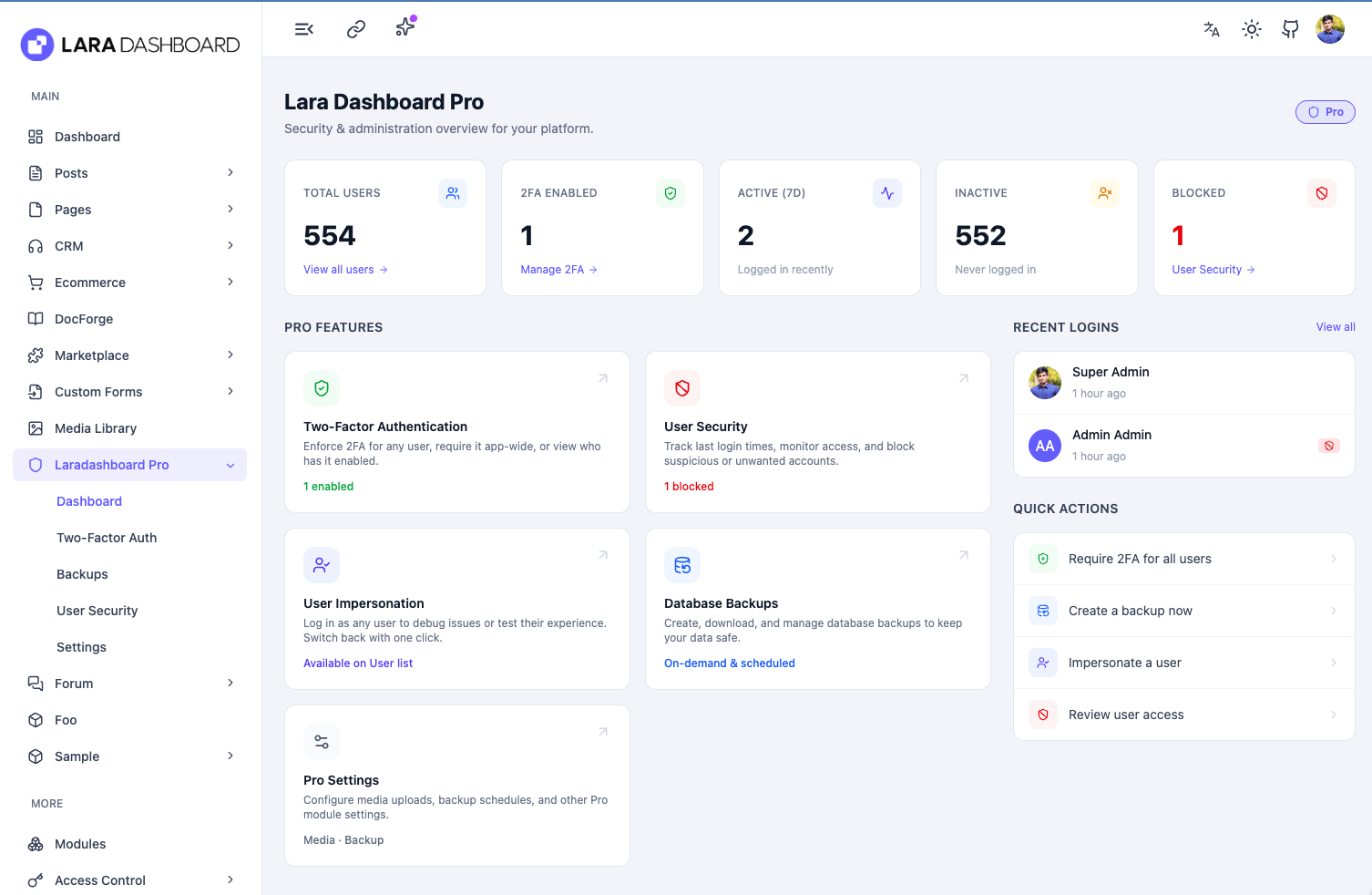
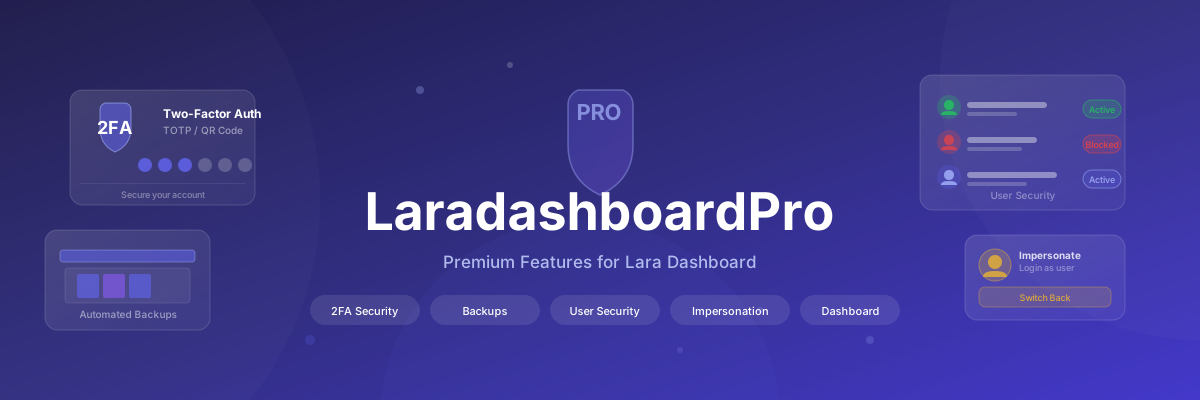
Lara Dashboard Pro is the premium upgrade for Lara Dashboard. It adds a layer of security, control, and peace of mind on top of the free core — covering everything from protecting logins with two-step verification to automatic backups, user monitoring, and cloud file storage.
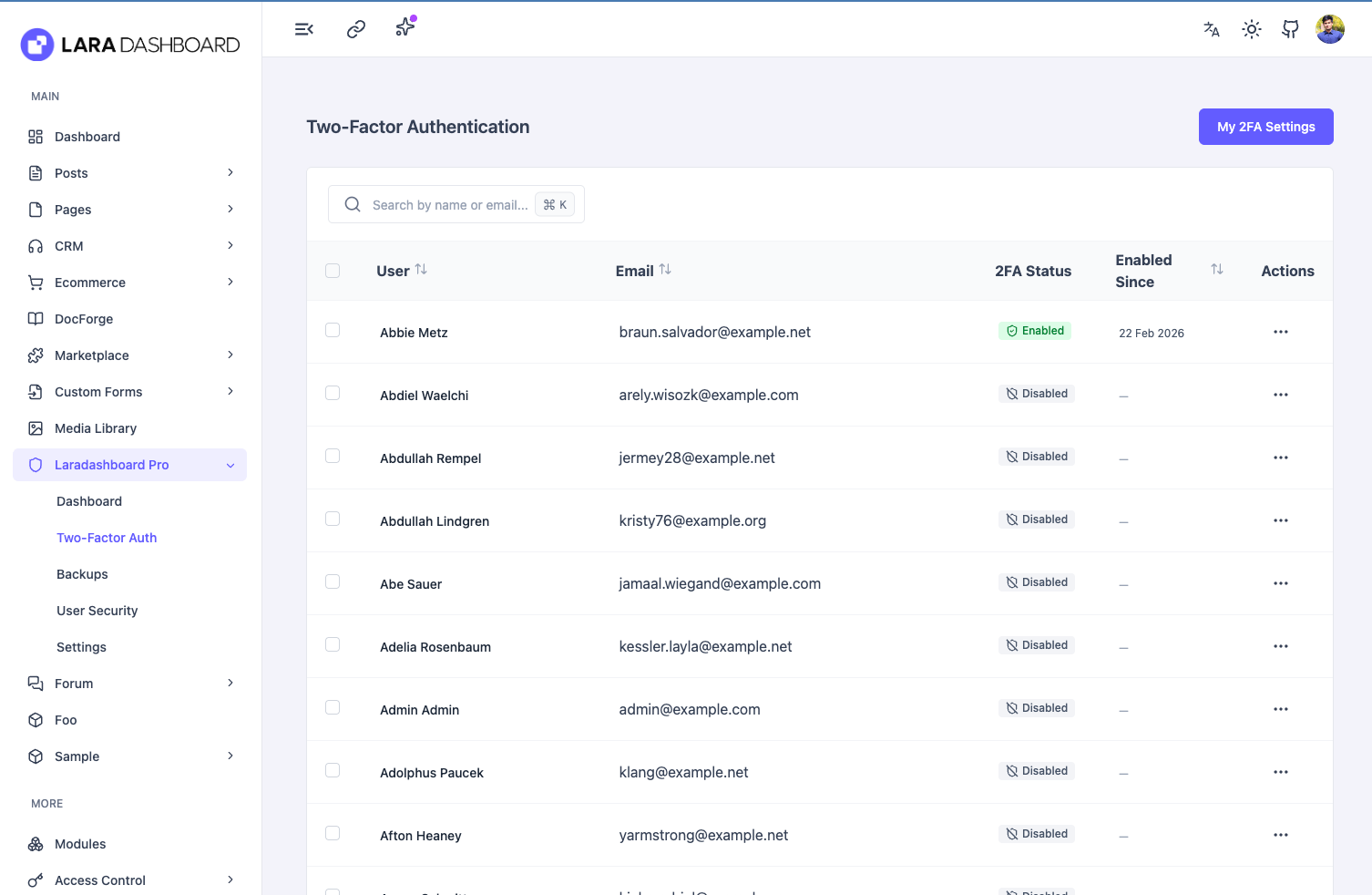
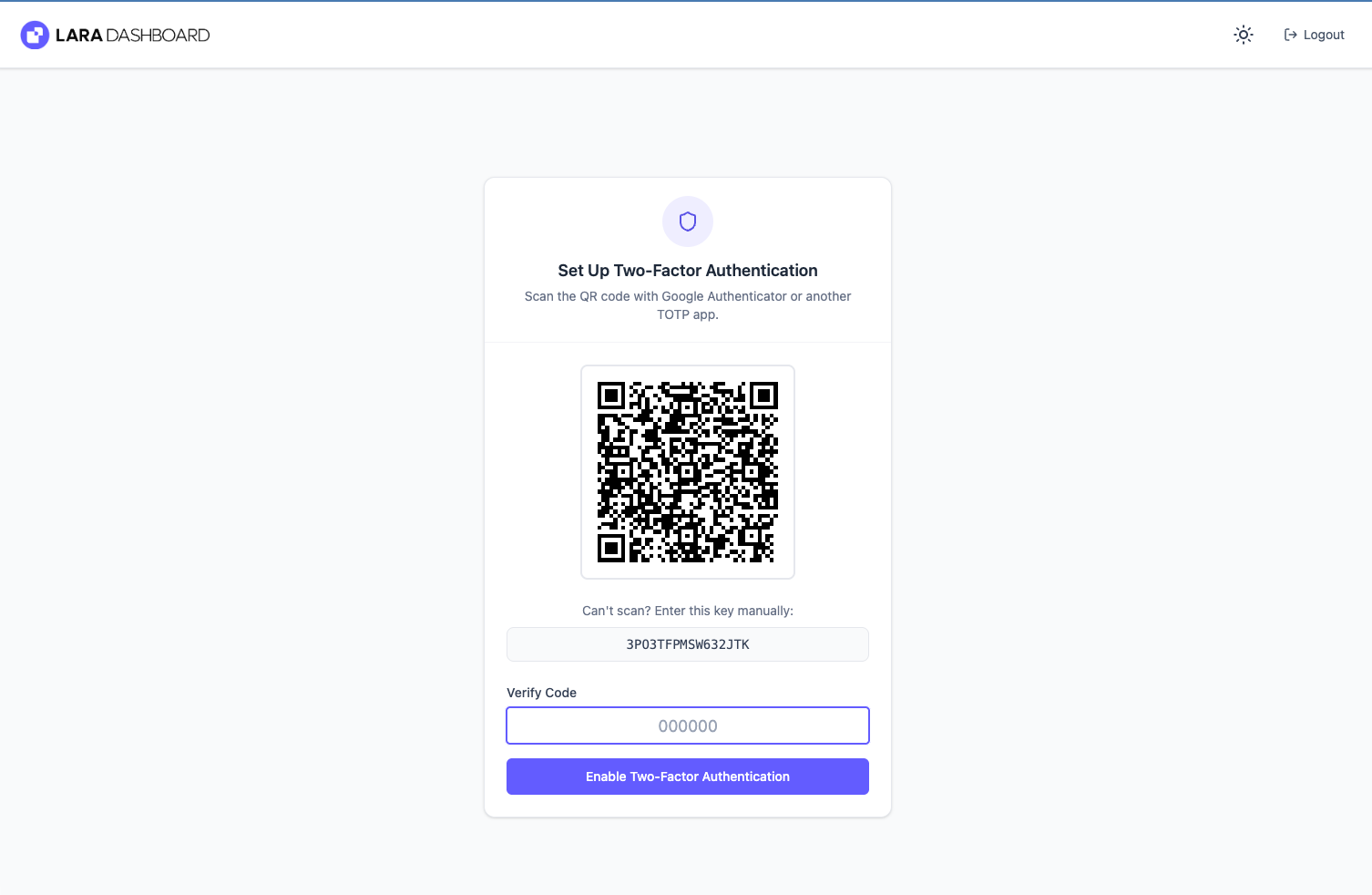
An extra lock on every login. After entering their password, users must also enter a 6-digit code from an authenticator app (like Google Authenticator or Authy) on their phone. Even if a password is stolen, nobody can get in without that second code.
What admins can do:
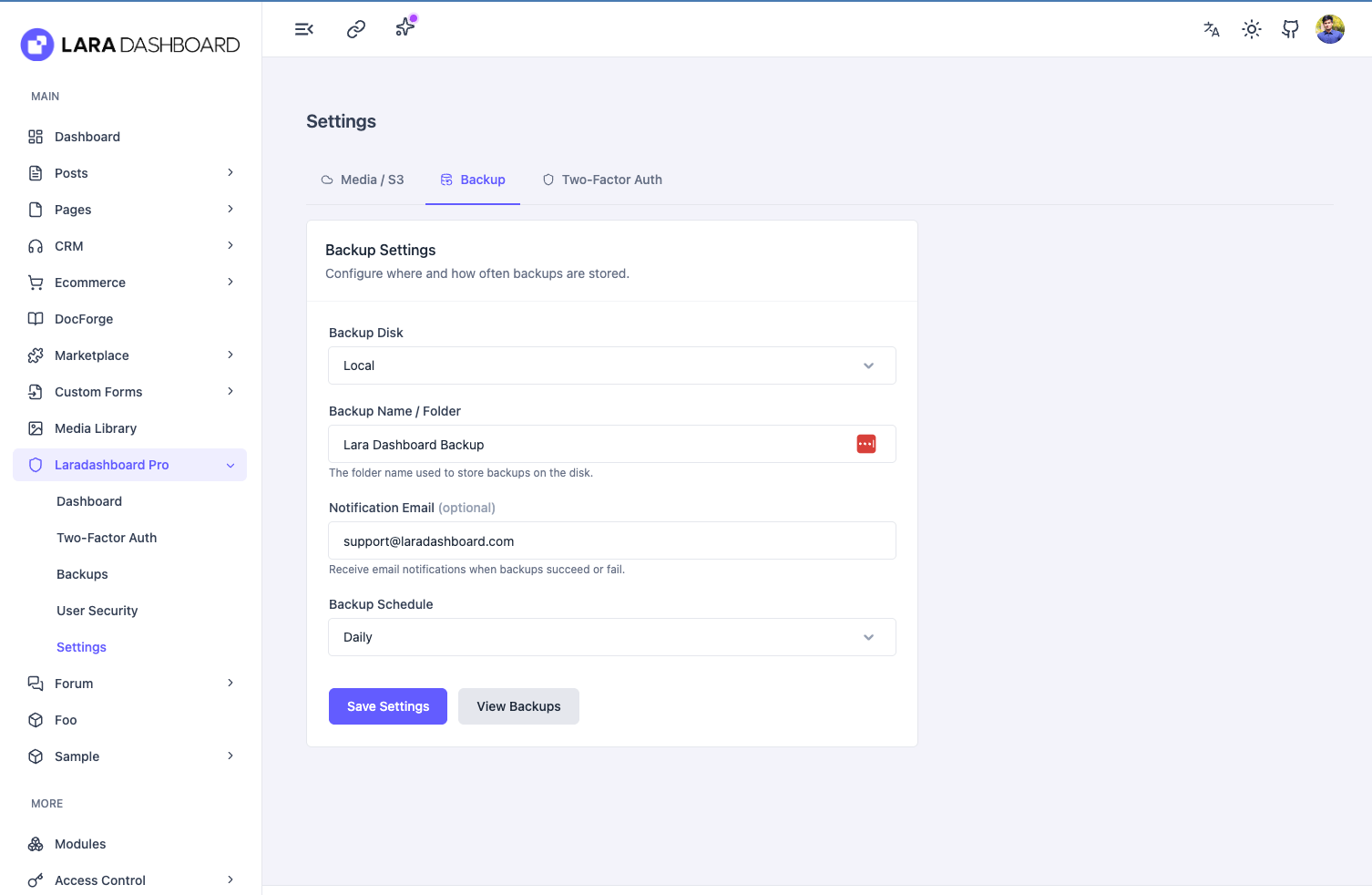
Regularly saves a complete copy of your database and files so you can restore everything if something goes wrong.
What it does:
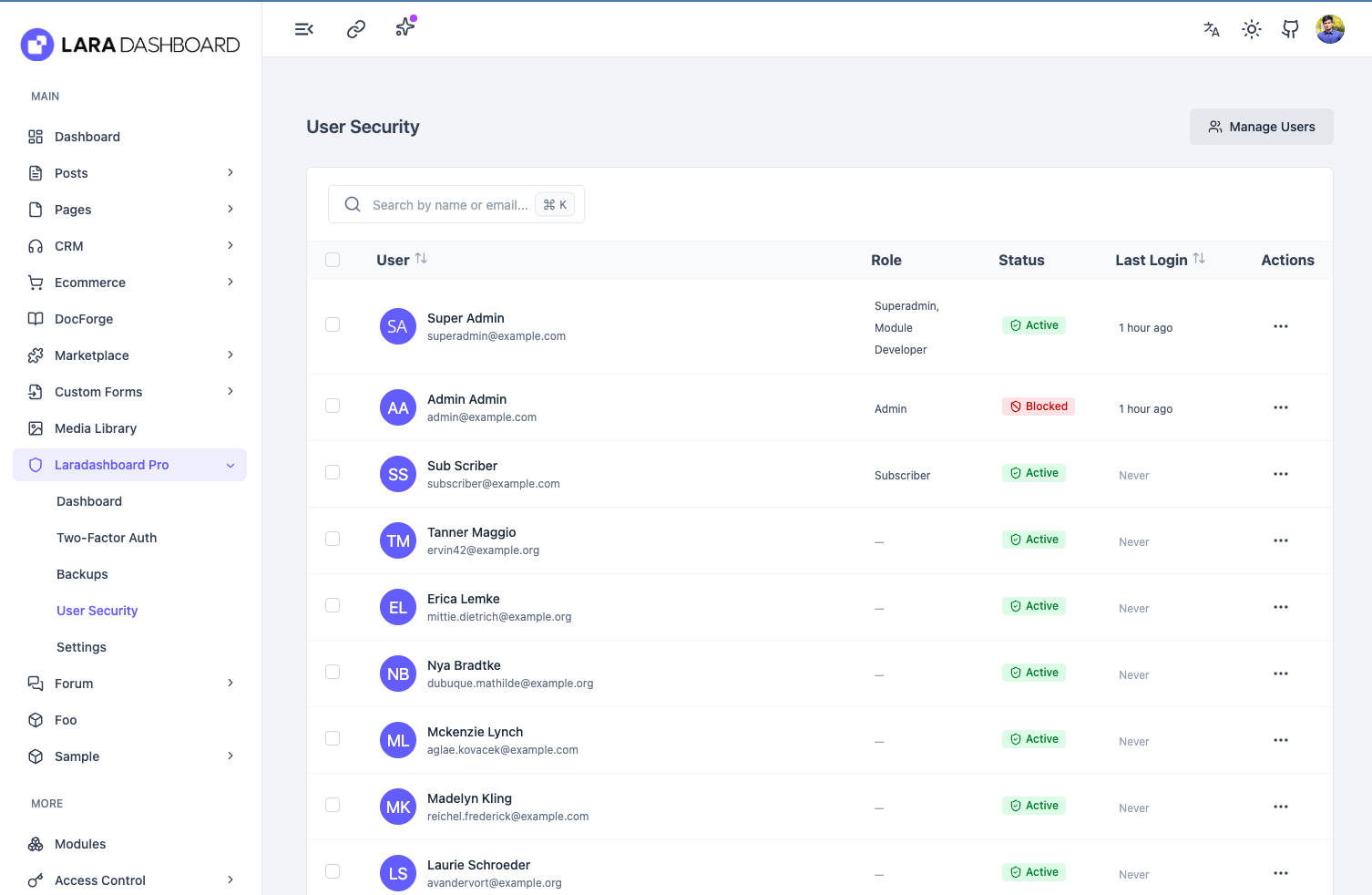
Lets admins monitor user accounts and immediately shut out anyone who shouldn't have access.
What it does:
Keeps a record of when each user last signed in so you always know who has been active and when.
What it shows:
Lets authorised admins log in as any other user without needing their password — useful for troubleshooting, support, or testing what a specific user sees.
How it works:
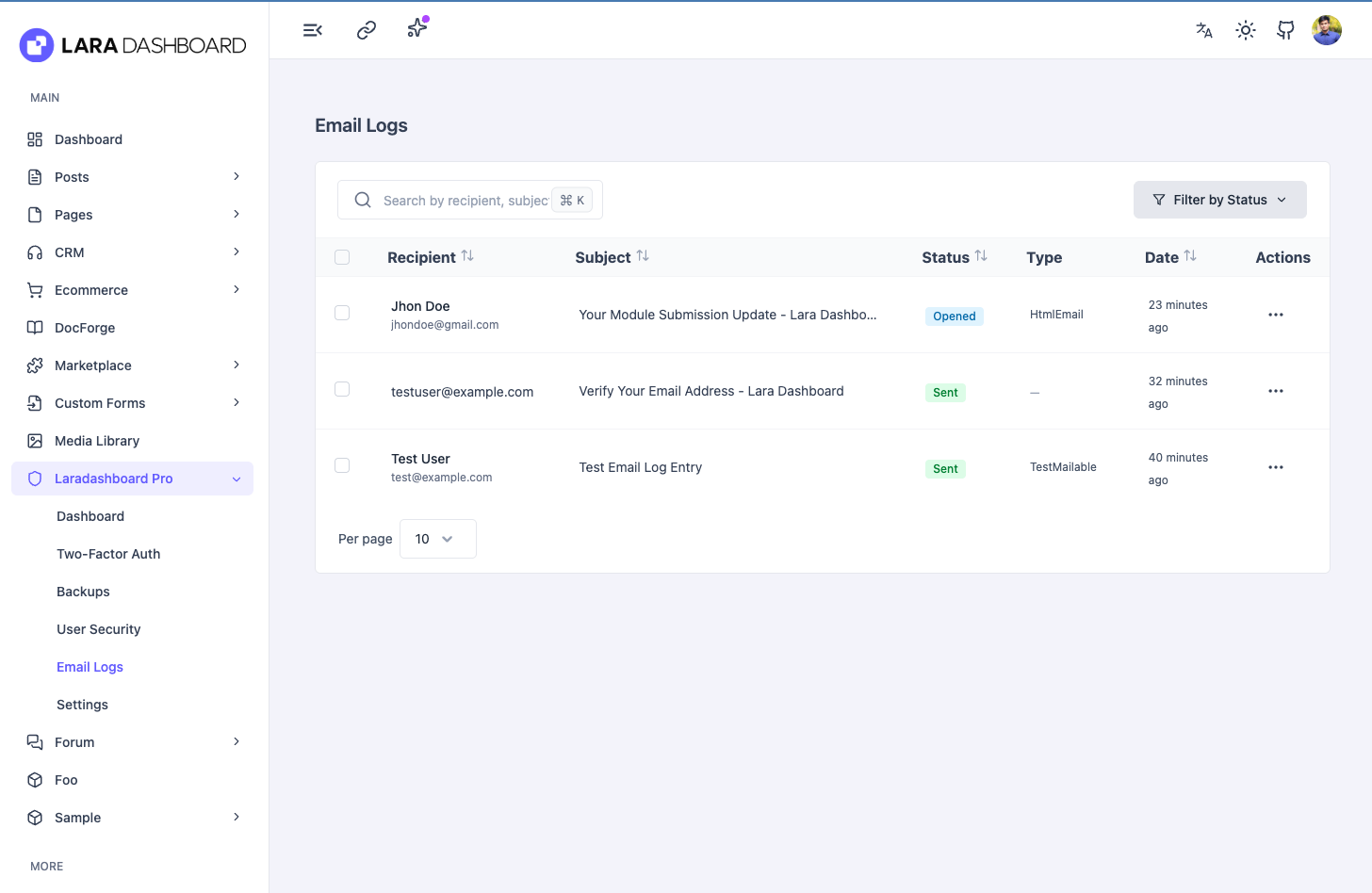
A complete record of every email sent through the application — verification emails, password resets, notifications, campaign emails, and anything else. No email goes untracked.
What it shows:
What admins can do:
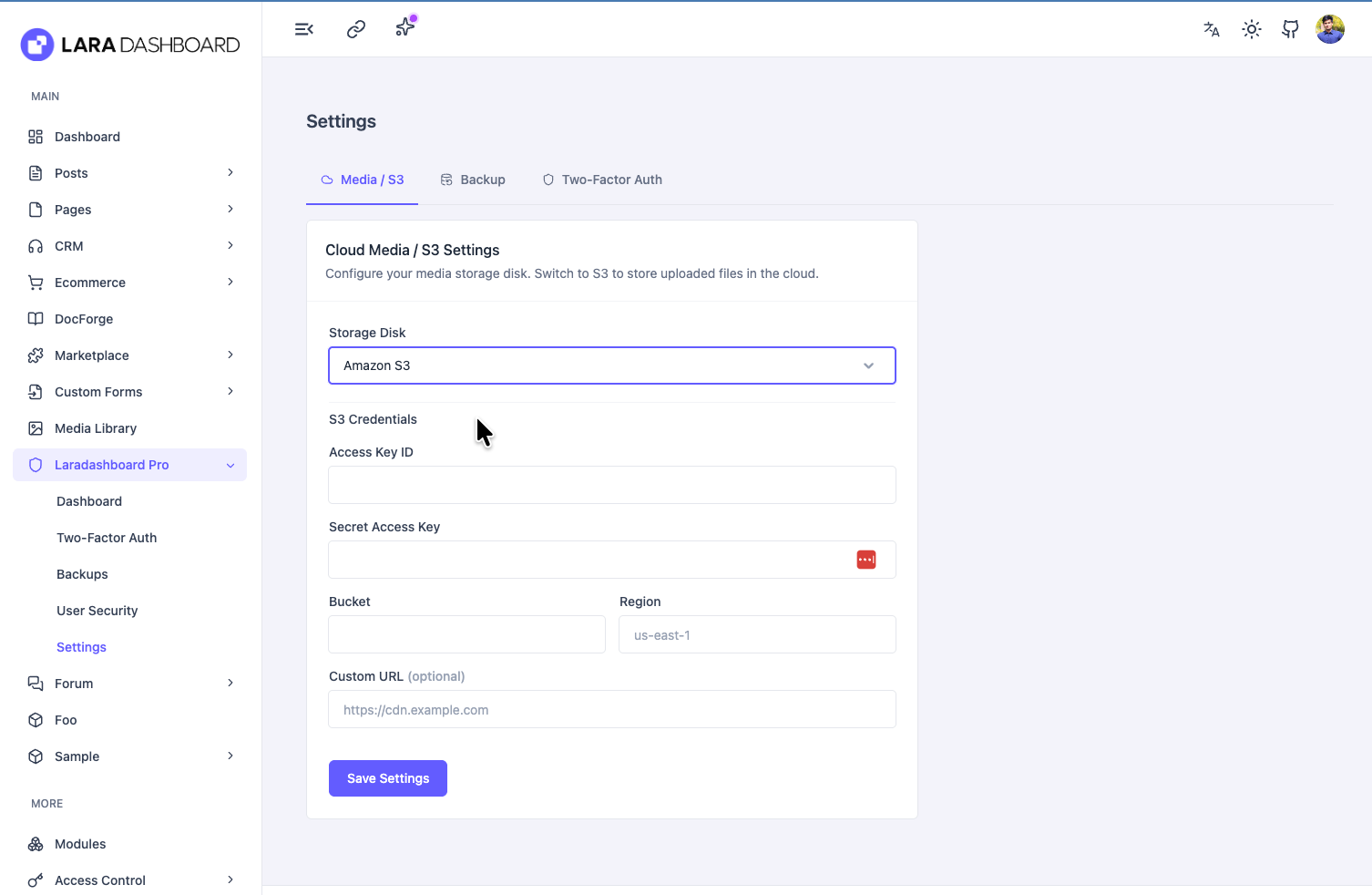
Instead of keeping uploaded images and files on your own server, you can store them in Amazon S3 — a reliable, scalable cloud storage service.
What you can configure:
Pro comes with its own set of permission controls so you decide exactly who on your team can do what:
| What it controls | Permission key |
|---|---|
| View the Pro dashboard | laradashboardpro.dashboard |
| View backups | laradashboardpro.backup.view |
| Create a backup | laradashboardpro.backup.create |
| Delete a backup | laradashboardpro.backup.delete |
| Change backup settings | laradashboardpro.backup.settings |
| View & manage 2FA for users | laradashboardpro.two-factor.manage |
| Require 2FA for all users | laradashboardpro.two-factor.require |
| Change 2FA settings | laradashboardpro.two-factor.settings |
| View media storage settings | laradashboardpro.media-settings.view |
| Change media storage settings | laradashboardpro.media-settings.edit |
| View user security panel | laradashboardpro.user-security.view |
| Block / unblock users | laradashboardpro.user-security.block |
| View email logs | laradashboardpro.email-logs.view |
php artisan module:enable LaradashboardPro
php artisan module:migrate LaradashboardPro
php artisan module:seed LaradashboardPro
After enabling, go to Admin → Lara Dashboard Pro → Settings to configure backups and media storage.
This module is proprietary software. See the LICENSE file for details.
No reviews yet.
Purchase this module to be the first to review!
Released Feb 24, 2026
0
Downloads
0
Active Installs
0.0
Average Rating
0
Reviews
Lara Dashboard
Module Developer
Explore every feature live — no sign-up required.
superadmin@example.com
12345678