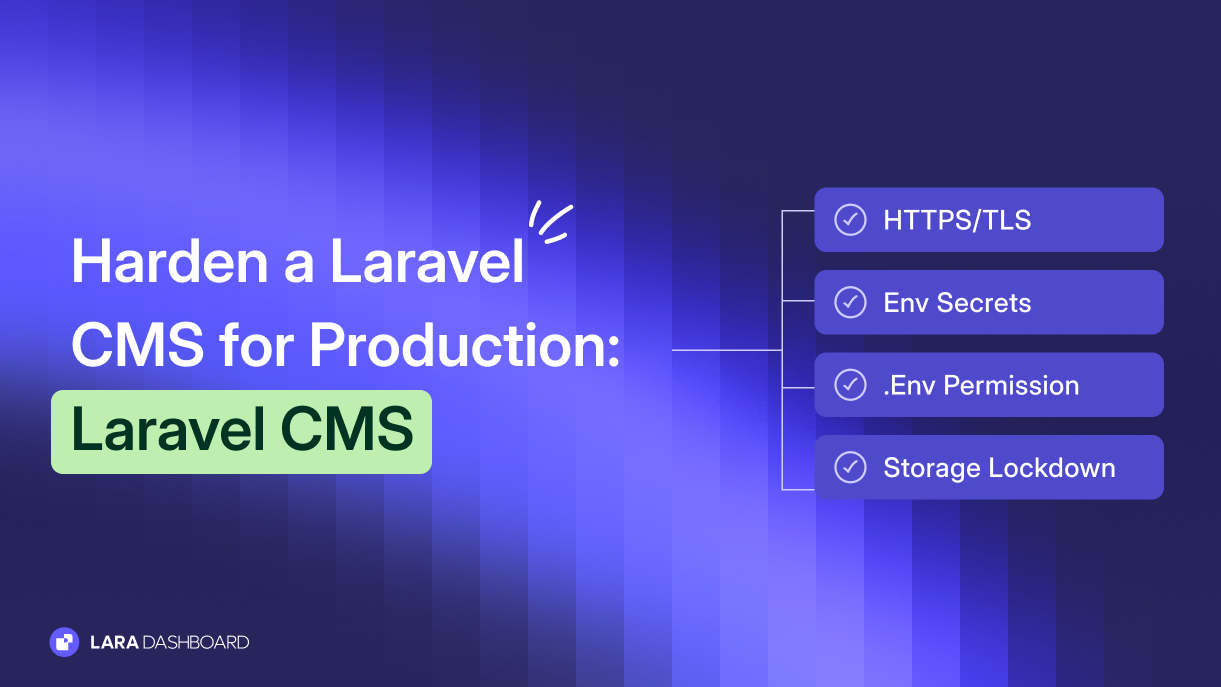
You shipped your Laravel CMS to a VPS. The app boots. Editors can log in. DNS points at the box.
Production hardening is the next gate. HTTPS and TLS,
.env secrets, file permissions, debug off, cookie flags, and a web root that does not leak your project tree.This guide is a deep checklist to harden a Laravel CMS for production. It focuses on HTTPS, env, and file permissions. Use it as a deploy gate you can reuse on every release.
It sits next to our broader guide, How to Secure a Self-Hosted Laravel CMS. That pillar covers threat model, auth, updates, backups, and monitoring. This post zooms in on the host and app config you must get right before you call the site "live."
If you are still choosing a stack, keep Laravel vs WordPress open. If you are mid-move, the WordPress to Laravel migration checklist pairs well with this deploy gate.
What "hardened for production" means
Hardened means the public site cannot reach secrets, source, or debug output. It means TLS is real, not optional. It means the PHP user can write only where Laravel must write.
It is not a full security program by itself. You still need strong auth, patching, backups, and monitoring. Those live in the pillar article. Here you close the production config gaps that show up on almost every first VPS deploy.
Treat this list as a gate. No public launch until every row is green. Re-run it after hosting moves, PHP upgrades, or major module installs.
HTTPS and TLS for a Laravel CMS
Browsers and search engines expect HTTPS. So do secure cookies. Start at the edge, then align Laravel.
Terminate TLS at the edge
Terminate TLS on nginx, Caddy, or your load balancer. Use a trusted certificate. Let's Encrypt works for most CMS installs.
Prefer modern TLS versions. Disable weak ciphers. Renew certificates on a schedule you can prove. Expiry is a quiet outage and a trust hit.
Redirect HTTP to HTTPS
Every HTTP request should redirect to HTTPS with a permanent redirect. Do this at the reverse proxy so Laravel never serves mixed schemes by accident.
Test with curl and a browser. Confirm www and apex both land on your canonical https URL.
APP_URL, forceScheme, TrustProxies
Set
APP_URL to the full https URL. Generated links, password resets, and asset helpers follow this value.Force the https scheme in the app when you sit behind TLS termination. A common pattern is
URL::forceScheme('https') in a service provider, or middleware that redirects to HTTPS.Configure
TrustProxies for your load balancer or reverse proxy. Laravel must see the real client IP and the https scheme from X-Forwarded-* headers. Wrong trust breaks rate limits, logs, and secure cookie detection.HSTS basics
Once HTTPS is stable, send Strict-Transport-Security from the edge. Start with a modest max-age. Raise it when you trust your cert renewal path.
Do not enable HSTS preload until every subdomain you use is ready. HSTS mistakes are hard to undo quickly.
Env and secrets: protect .env like credentials
Your
.env file holds database passwords, mail keys, and APP_KEY. Treat it as production credentials, not a convenience file.Permissions on .env
Keep
.env owned by the deploy user. Mode 640 or tighter is a common pattern. No world read. Confirm the web server cannot list the project root.Only the deploy user and the PHP-FPM user (via group if needed) should read it. Broader access is how backups and shared shells leak secrets.
APP_KEY
Generate
APP_KEY once with php artisan key:generate on first setup. It encrypts cookies and other encrypted values.Do not rotate it casually. Rotation can invalidate existing encrypted data and sessions. Never commit
APP_KEY to git.Gitignore and examples
Add
.env to .gitignore. Commit .env.example with empty placeholders only. No real passwords in sample files "for convenience."If the repo was ever public with secrets, scan history and rotate everything that leaked. Assume a public paste was copied.
Staging vs production credentials
Staging and production must use different database, mail, and API credentials. Shared "dev" passwords in production are a recurring incident pattern.
Prefer a secrets manager or encrypted CI variables over chat pastes. Document who can read production secrets. Revoke access when people leave.
APP_ENV, APP_DEBUG, and config cache
Set
APP_ENV=production and APP_DEBUG=false before public traffic. Debug mode leaks stack traces, paths, and sometimes env values to anyone who triggers an error.Confirm on staging that real 500 pages do not dump exceptions to the browser. Log detail belongs in
storage/logs, not public HTML.After env is correct, run
php artisan config:cache (and route/view cache as your deploy uses). Cached config freezes values from the env at cache time. Change env, then rebuild the cache.Never leave
APP_DEBUG=true "just for a minute" on a public host. Minutes become days. Attackers do not wait for your reminder.File permissions and the deploy user
Wrong ownership turns a small upload bug into full code rewrite. Get ownership and write paths right on day one.
Deploy user owns the app
Create a non-root deploy user. That user owns the application tree. Day-to-day deploys should not need root.
PHP-FPM runs as a separate user or as a member of a shared group. sudo is for package updates and service restarts only.
Writable paths only where Laravel needs them
The web/PHP user needs write access to
storage/ and bootstrap/cache/. Those directories hold logs, sessions (if file-based), compiled views, and cached config.Prefer group write with careful membership over world write. Avoid
777. It is a shortcut that invites trouble on shared or multi-tenant hosts.public/ should not be writable
Keep
public/ free of write access for the PHP user except for controlled symlinks you manage. Editors should not be able to drop PHP into the document root through a media bug.If you use
php artisan storage:link, the link targets storage outside the writable public tree. Still deny script execution in media directories at the web server.Deny script execution in media
At nginx or Caddy, block PHP (and other executables) under upload and media paths. Validate MIME and extension in the app too. Defense in depth matters here.
Ban or sanitize SVG if editors do not need it. SVG can carry script. Cap upload size. Allowlist the types you actually publish.
Web root and document root layout
Point nginx or Caddy at
public/, not the project root. The document root must be the Laravel public folder.That layout keeps
.env, vendor/, and application source outside the web root. A mis-pointed root is one of the fastest ways to expose secrets on a fresh VPS.Confirm directory listing is off. Confirm requests for
/.env and similar paths return 404 or 403 from the edge. Do not rely on "nobody will guess the path."On shared hosts without a custom root, you may need a different layout. Prefer a VPS or host that lets you set the document root to
public/ cleanly.Session and cookie flags for HTTPS production
With HTTPS live, lock down session cookies. In
config/session.php or env overrides, set secure cookies, http_only true, and a sane same_site value (Lax or Strict for your flows).Secure cookies only travel over HTTPS. HttpOnly keeps them out of JavaScript. SameSite reduces cross-site request abuse on cookie-based auth.
Set a sensible idle timeout for admin sessions. Editors leave browsers open on shared machines. Short admin idle time cuts that window.
Prefer a session driver you control, such as database or Redis. File sessions on shared disks are harder to reason about across concurrent deploys.
Deploy checklist: HTTPS, env, perms, debug, cookies, document root
Use this table as a go/no-go gate. Assign an owner. Tick every row before DNS goes public.
| Gate | Check | Done |
|---|---|---|
| HTTPS / TLS | Cert live; HTTP→HTTPS; modern TLS | ☐ |
| APP_URL | https canonical URL set | ☐ |
| forceScheme / proxies | HTTPS forced; TrustProxies correct | ☐ |
| HSTS | Header set after HTTPS is stable | ☐ |
| .env perms | Deploy-owned; no world read | ☐ |
| Secrets | Not in git; staging ≠ prod creds | ☐ |
| APP_KEY | Unique; never committed | ☐ |
| Debug | APP_ENV=production; APP_DEBUG=false | ☐ |
| Config cache | config:cache after env settle | ☐ |
| Ownership | Deploy user owns app tree | ☐ |
| Writable dirs | Only storage/ + bootstrap/cache | ☐ |
| No 777 | Group write, not world write | ☐ |
| Document root | Points at public/; .env outside web | ☐ |
| Media exec | No PHP/scripts in upload paths | ☐ |
| Cookies | Secure + HttpOnly + SameSite | ☐ |
Print it. Keep it in the deploy runbook. Revisit after every hosting change.
Where LaraDashboard fits
Disclosure: LaraDashboard is our open-source Laravel admin and CMS. We recommend it when you want a Laravel-native back office with roles, content, and media without building every admin screen from scratch.
It does not replace TLS,
.env discipline, or file permission hygiene. You still own the VPS and this checklist. What it gives you is a structured admin layer so production hardening sits next to clear roles and content workflows.For product context, read what Lara Dashboard is. For role design after the host is locked down, see our role-based access control guide.
FAQ
Is HTTPS enough to call the CMS production-ready?
No. HTTPS is required, not complete. You still need debug off, tight
.env perms, a correct document root, and writable paths limited to storage and cache.Can I point nginx at the project root if I deny .env?
Do not. Deny rules fail. Point the document root at
public/. Keep source and secrets outside the web tree by design.What permission mode should .env use?
Owner read/write for the deploy user, group read only if PHP must share the group, never world read. Many teams land on
640 or 600. Verify your PHP user can still boot the app.Why does APP_DEBUG=false still show errors?
You may be looking at an old config cache, a mis-set env on the wrong host, or a custom exception page. Clear caches, confirm the env file on that server, and check the edge is hitting the right release path.
Do I need HSTS on day one?
Get HTTPS redirects and cert renewal solid first. Add HSTS once you trust that path. Start with a short max-age, then increase.
How does this relate to the broader security guide?
This post is the production config gate. The self-hosted Laravel CMS security guide covers threat model, auth, updates, uploads policy, backups, and monitoring. Run both.
Ending note
To harden a Laravel CMS for production, close the boring gates first: HTTPS and TLS, protected env secrets, debug off, tight file permissions, a public-only document root, and secure cookies.
Do those rows before you polish theme details. Most early VPS incidents still start with open debug, a readable
.env, or a document root aimed at the wrong folder.If you want a Laravel-native admin and CMS starting point while you run this checklist, try the LaraDashboard demo or read the docs on the site. Pair this gate with the self-hosted security pillar and keep shipping with a clear deploy bar.



